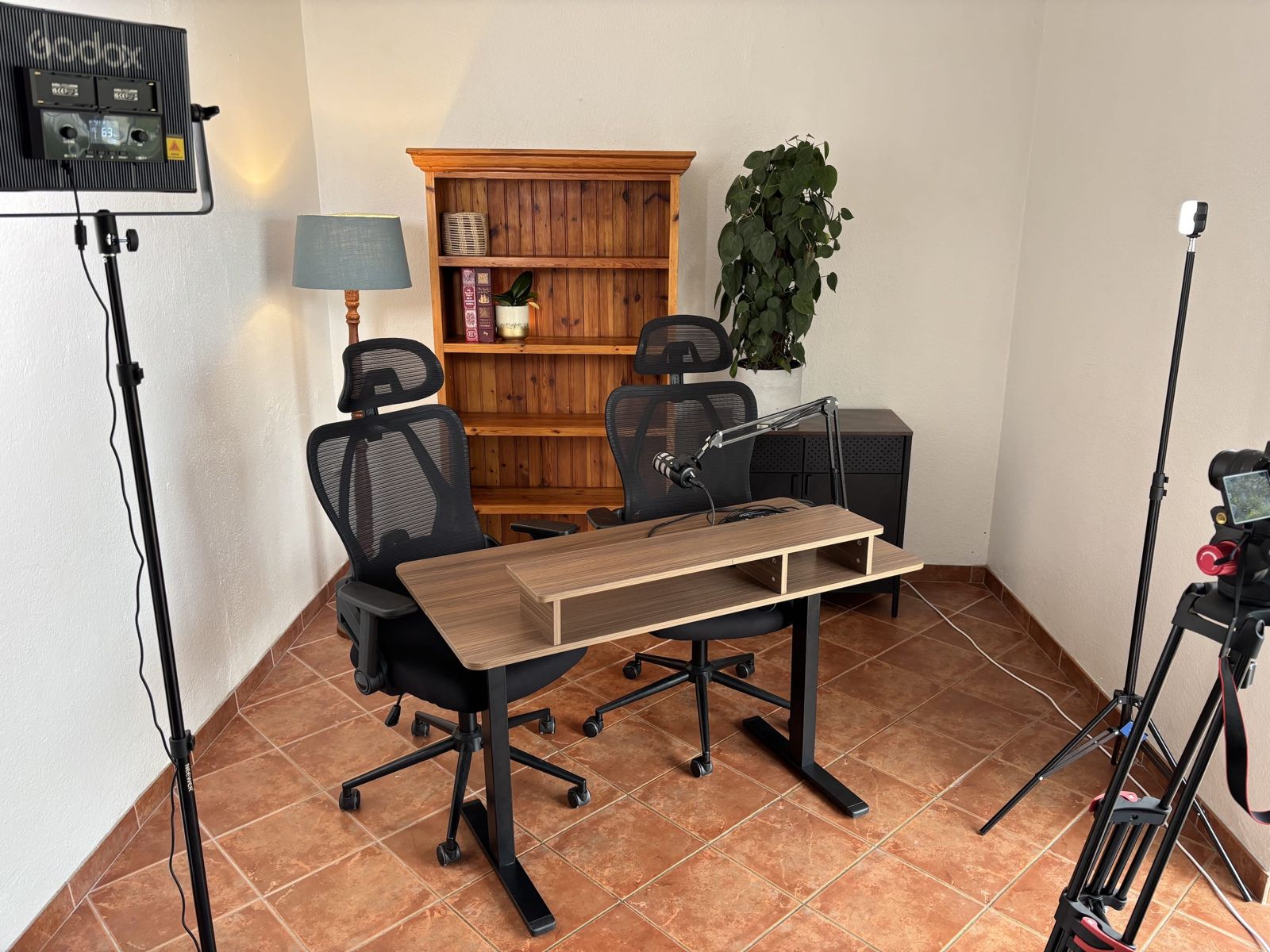
Podcasts, talking-head video, course modules and remote interviews
Podcasts. One host at the desk with the Rode PodMic on the boom arm and the camera framed on you. A guest fits at the desk too. There is one microphone, so a two-voice episode means sharing the mic or bringing a second one.
Talking-head video. LinkedIn posts, YouTube, Reels, TikTok, a course intro, a message to your clients. The Canon R50 and the Godox key light are set up so you sit down and press record on the wireless remote.
Course and training modules. Two motorised standing desks and a whiteboard. Stand, teach, write, and record it in one take.
Remote interviews and calls. The camera and mic feed straight into your laptop through a USB capture device and audio interface, so a Zoom, Riverside or Teams call gets the same picture and sound as a recording.
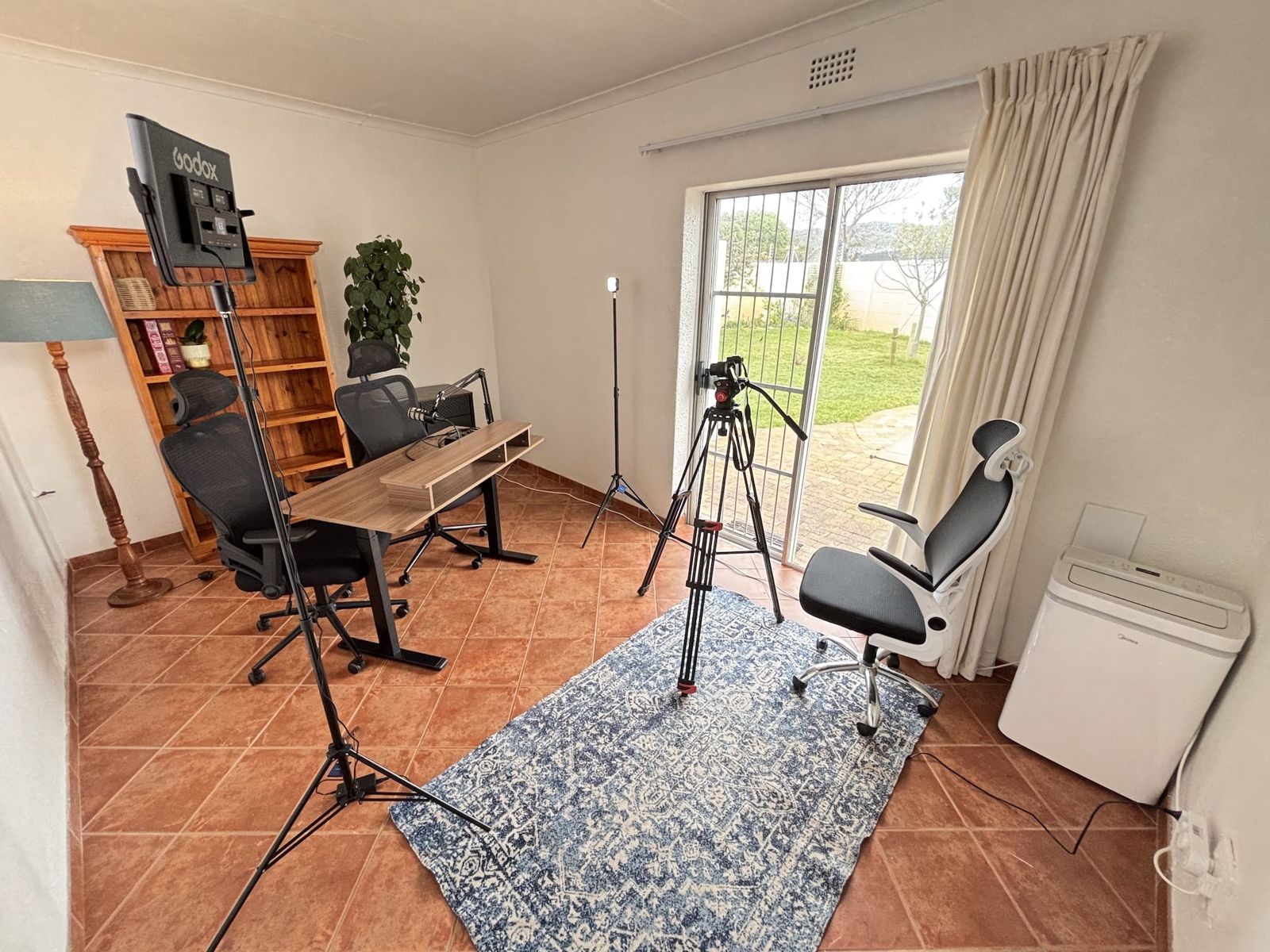
Small, quiet and prepared before you arrive
4.44 m by 2.77 m. White walls, terracotta floor, a sliding door onto the garden with a curtain. Ideal for one person on camera, and two fit at the desk. Bring team members along; more than two on camera is a squeeze, but there is space for people off camera. It is attached to a private house in Sun Valley, set back from the road, so there is no traffic noise. The address comes with your booking confirmation.
- Air conditioning, which you can switch off while recording.
- Free bean-to-cup coffee.
- A 1000 W portable power station keeps the studio equipment and lights running through load shedding.
- Set up before you arrive. Send your brief (seated or standing, which desk, what goes on the shelf, camera angle) and we arrange the room so your booked time is spent recording.
Furniture you can ask for
- 2 motorised height-adjustable desks with three height presets
- 3 office chairs
- Pine bookshelf, useful as a backdrop with your own props
- Whiteboard
- 2 plants, a floor lamp and a mini sideboard
Need something else? Ask when you enquire. Most requests can be arranged.
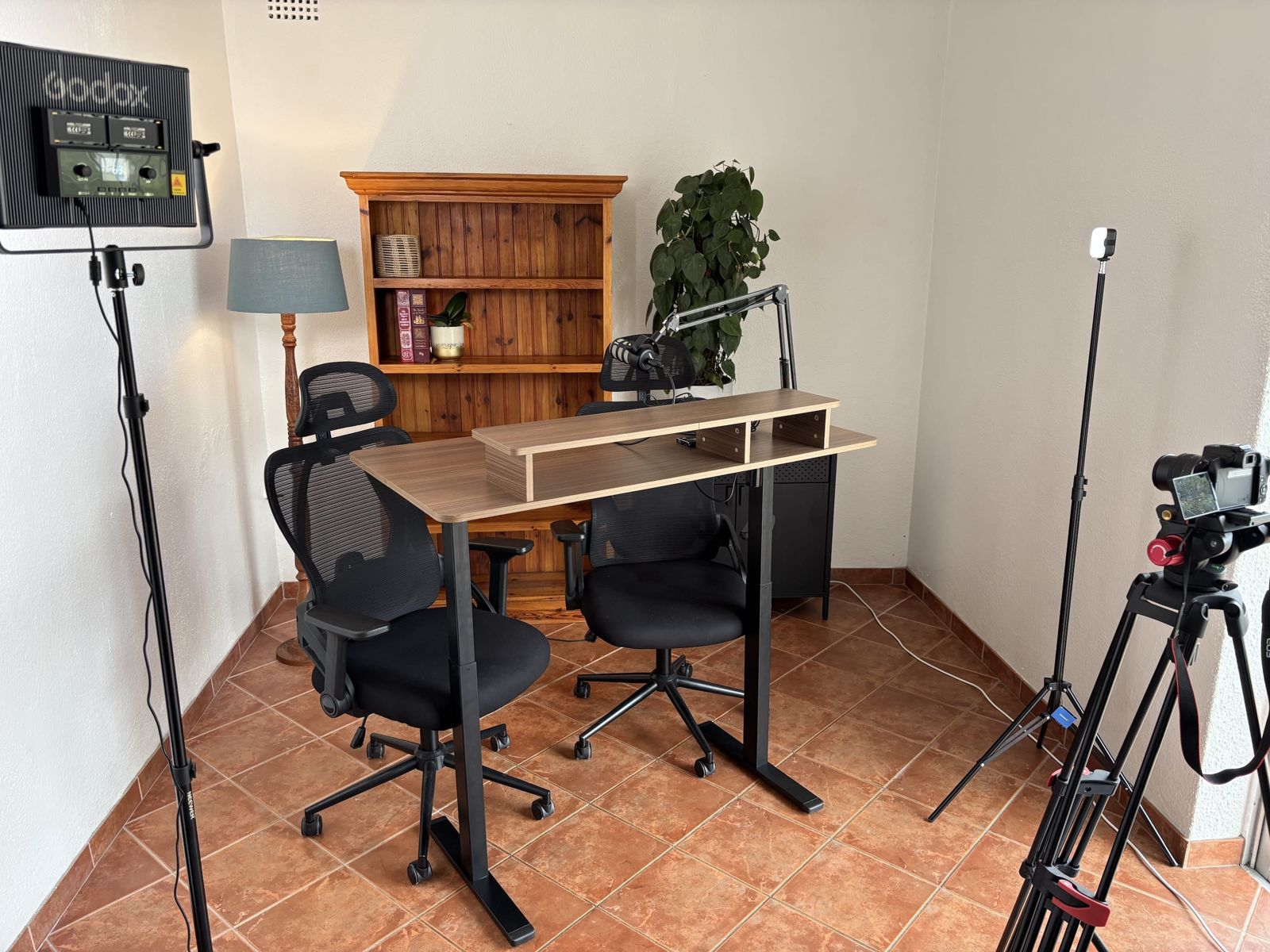
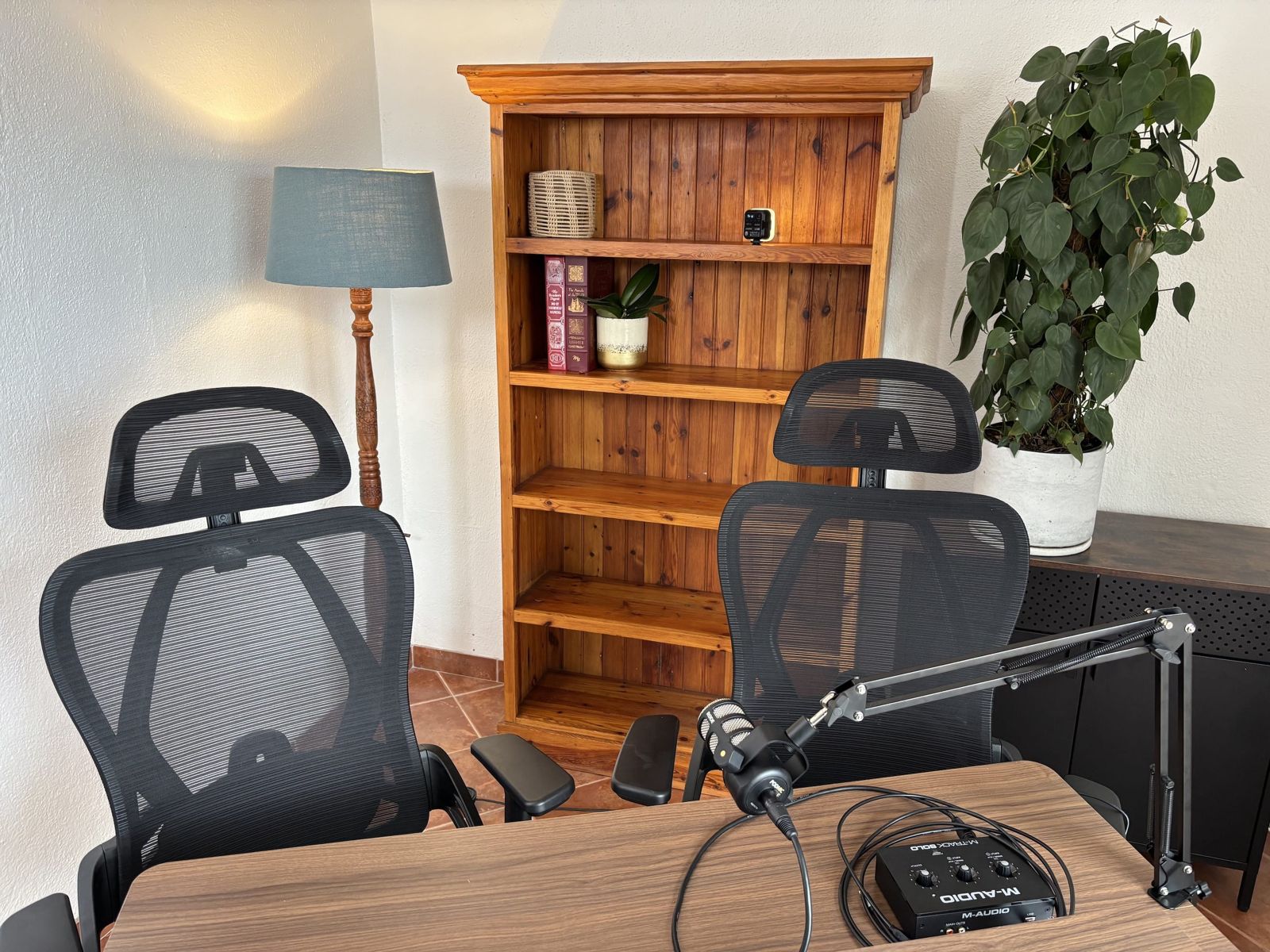
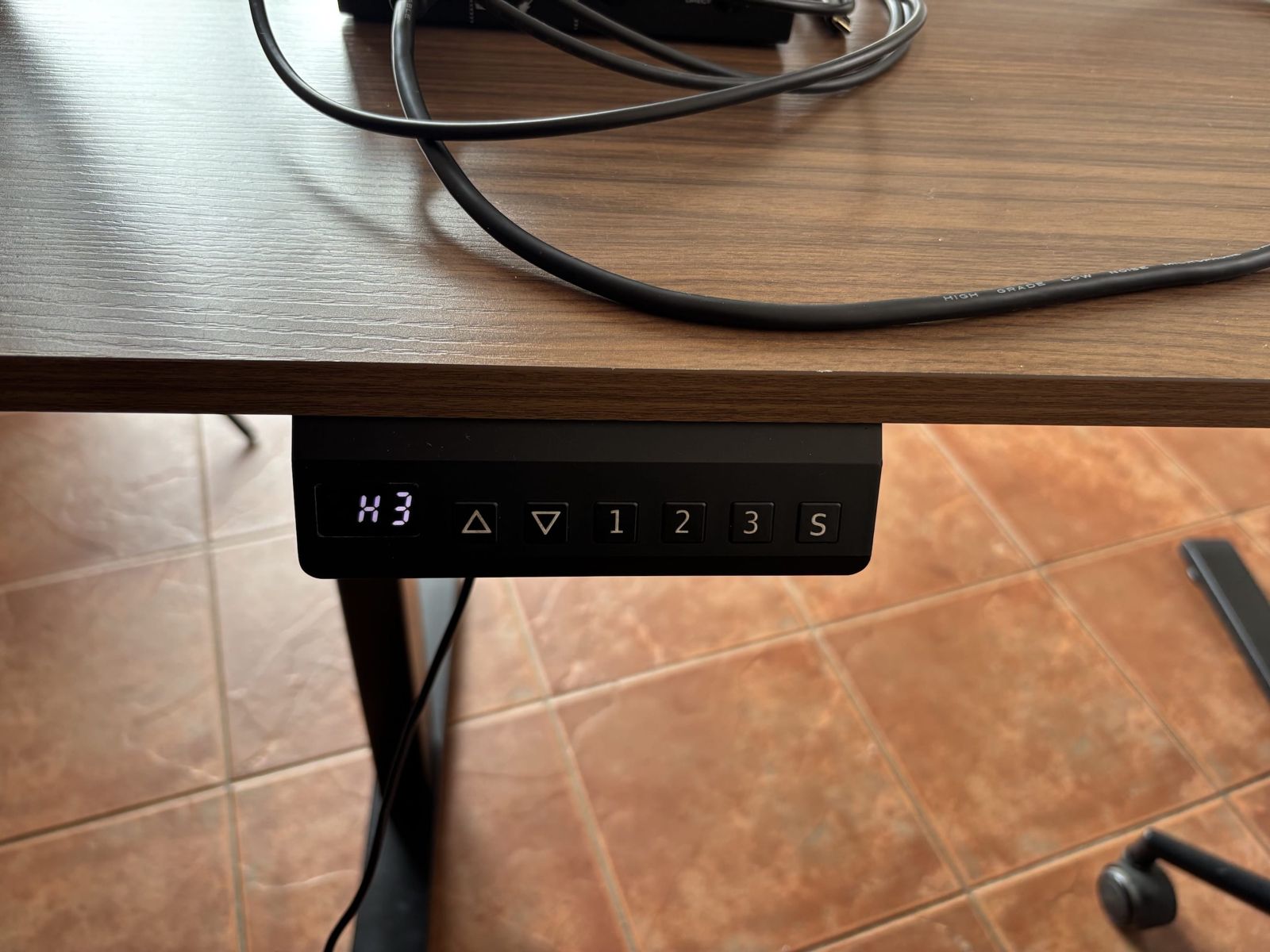
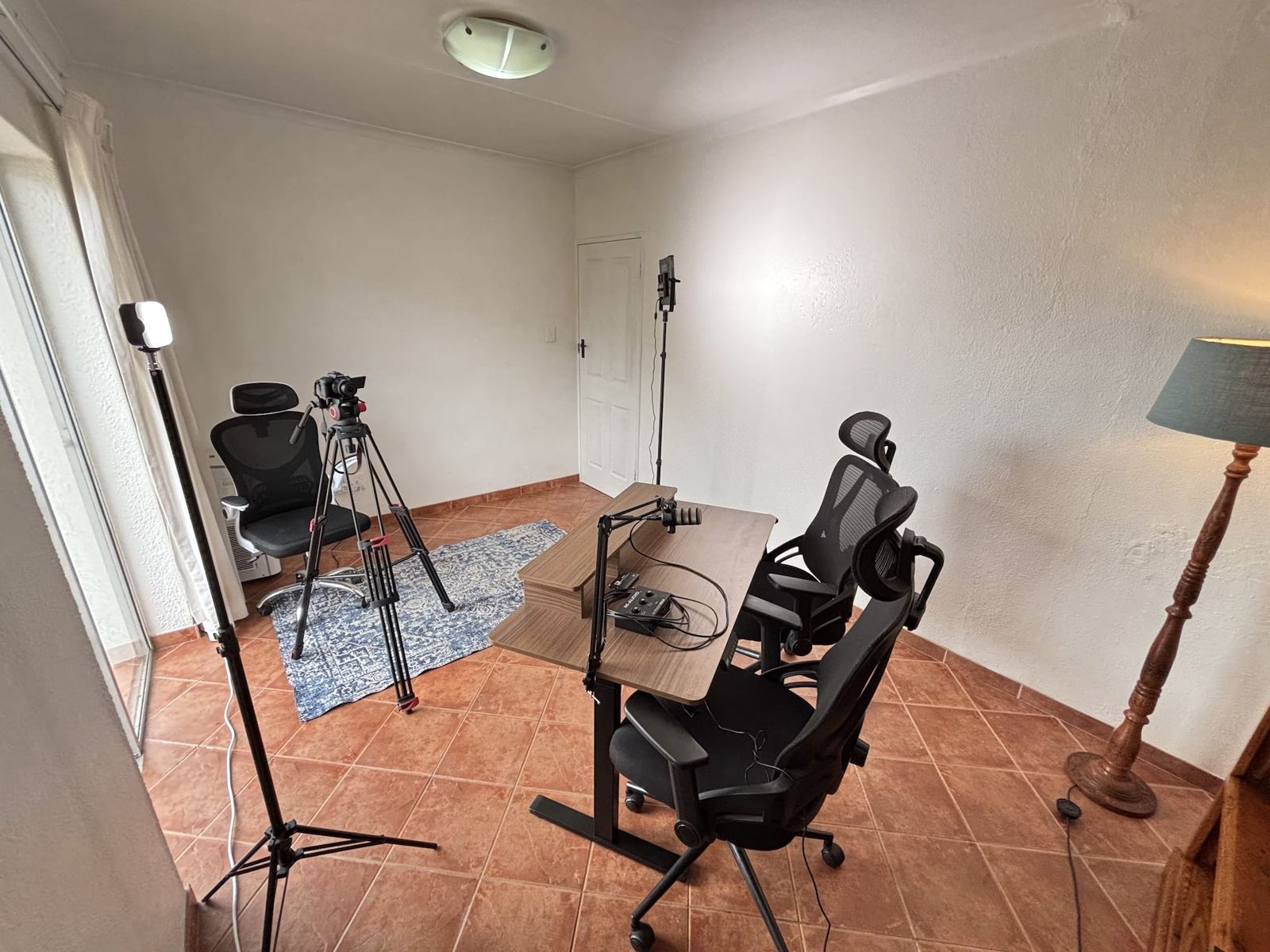
Everything on this list is included in the rate
Bring your own laptop and an SD card. Bring your own gear too if you prefer it.
Camera
- Canon EOS R50 mirrorless camera with kit lens
- Dummy battery adapter for continuous mains power
- Canon BR-E1 wireless remote (start and stop video, or fire the shutter, from your seat)
- Canon HG-100TBR tripod grip, which holds the remote and doubles as a mini tripod
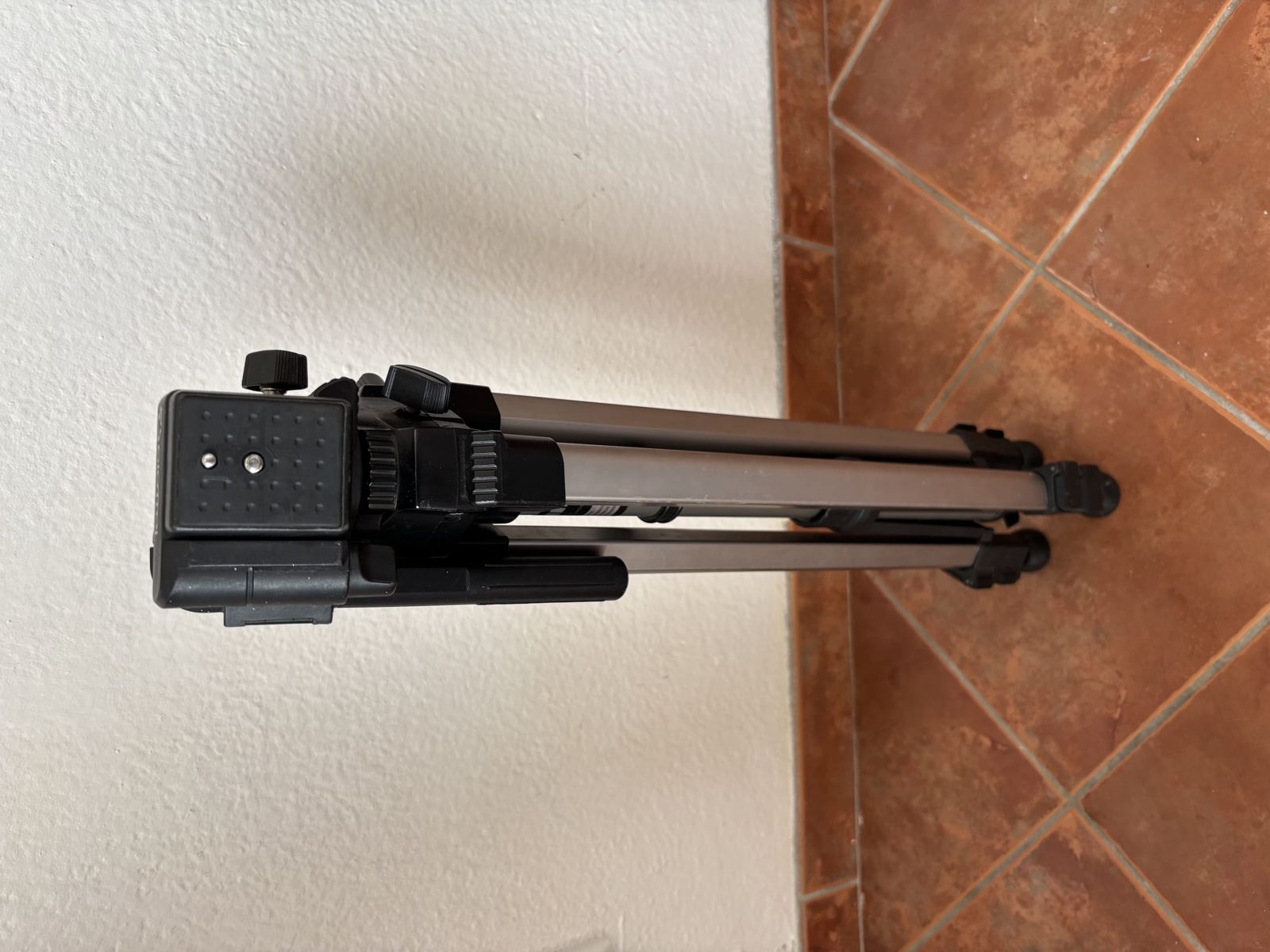
- Video tripod with fluid head
- Second tripod as a backup or for a second angle with your own camera
Lights
- Godox LDX50Bi LED panel on a stand. Brightness and colour temperature adjustable.
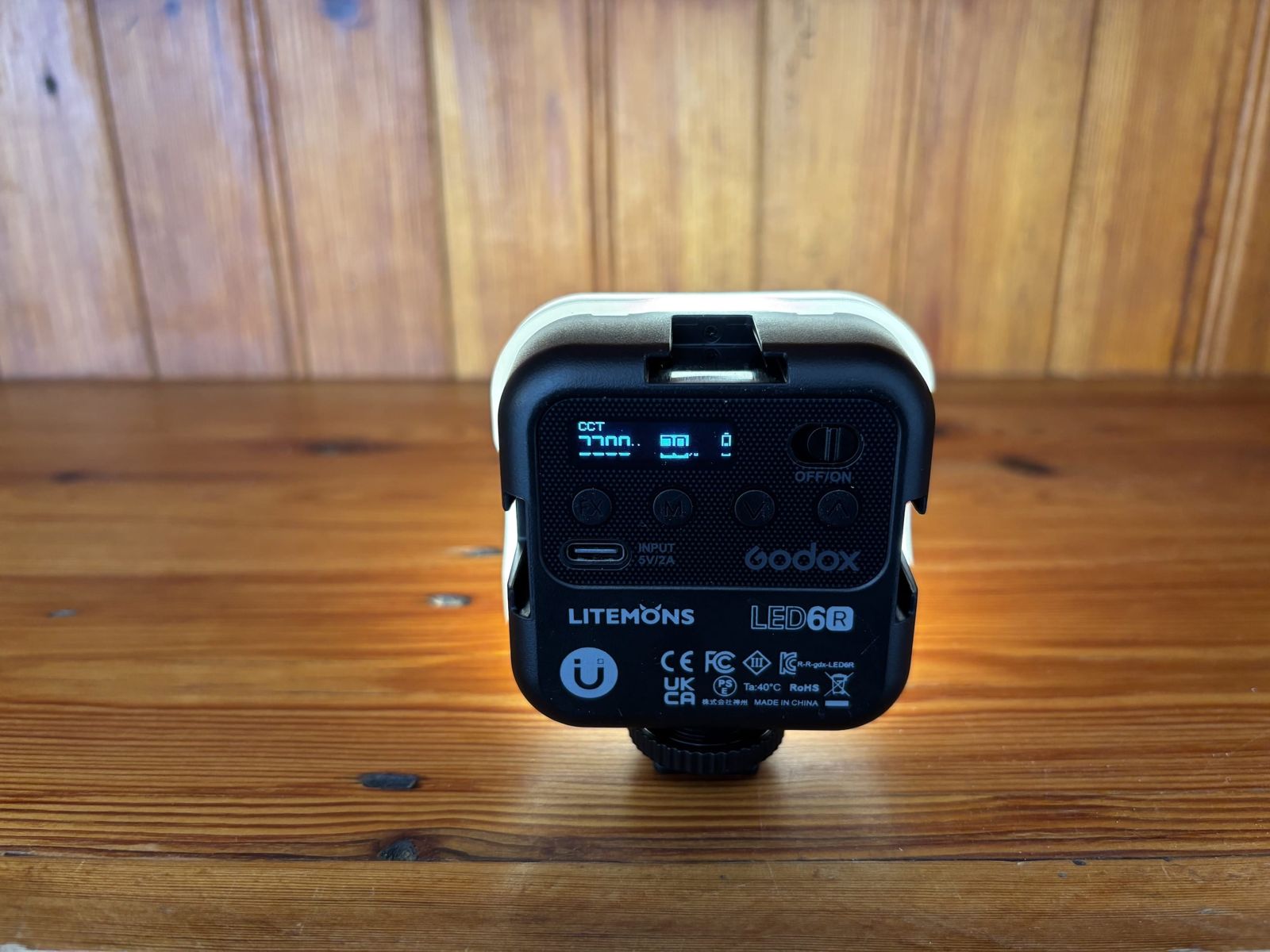
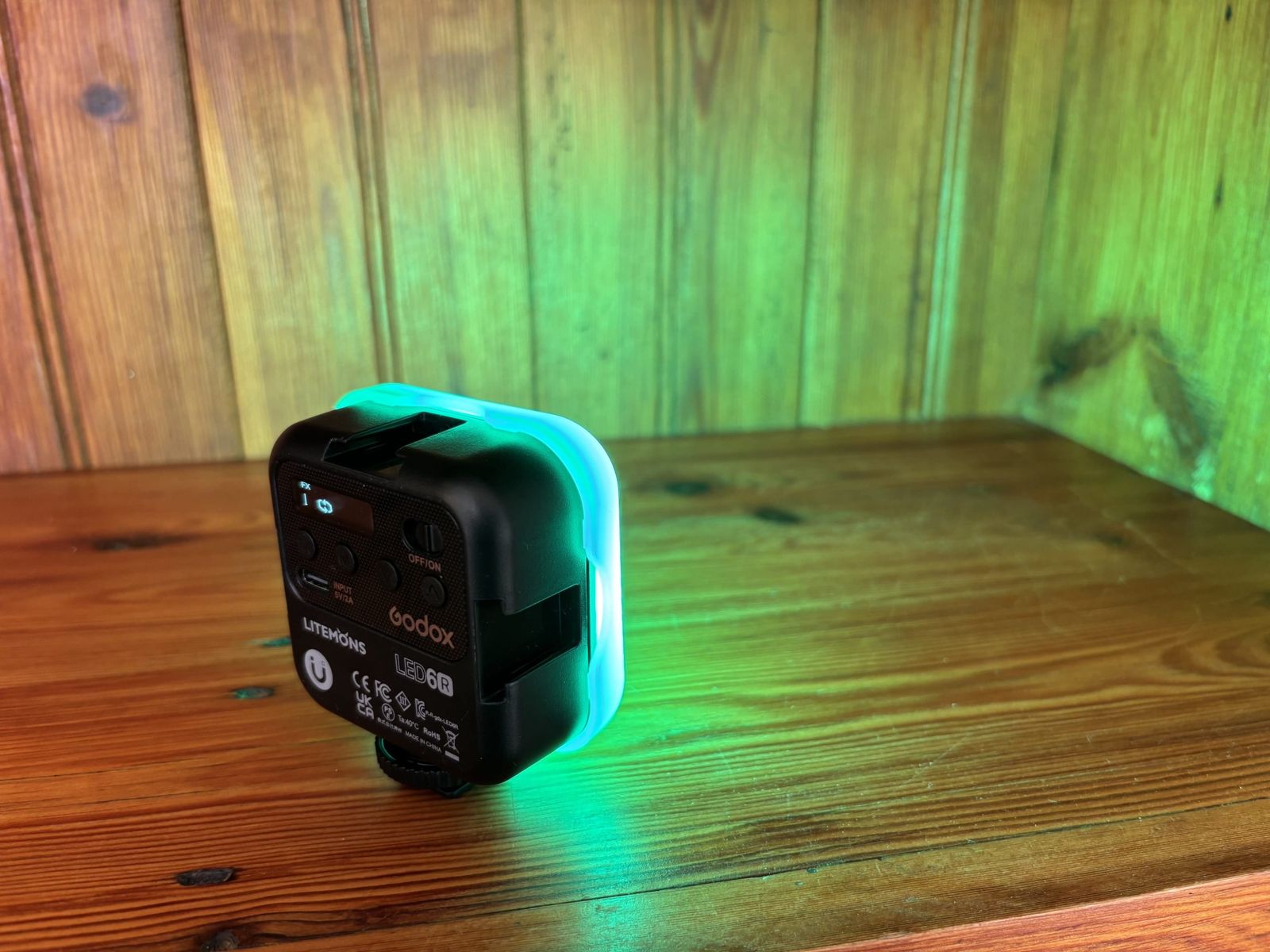
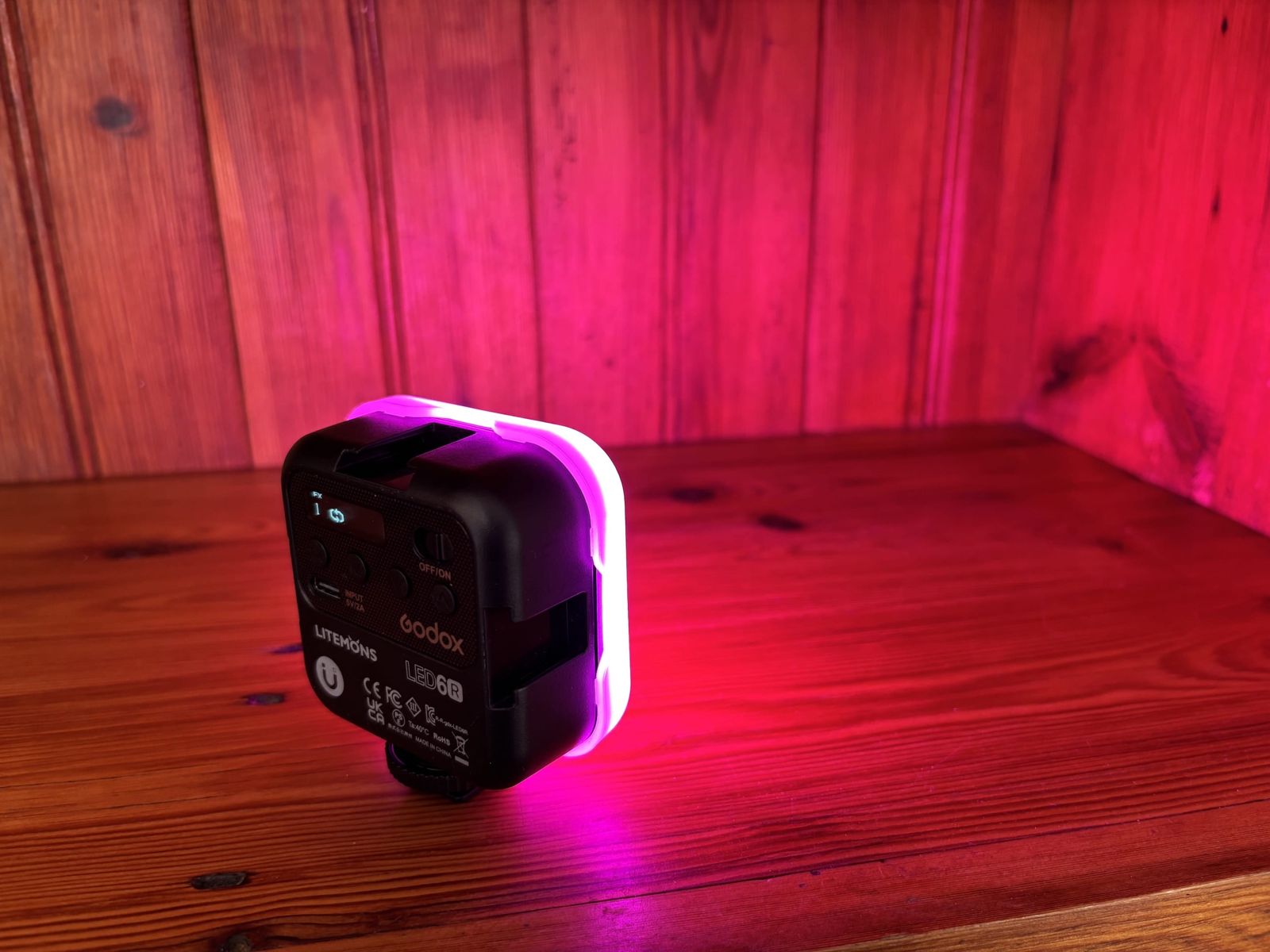
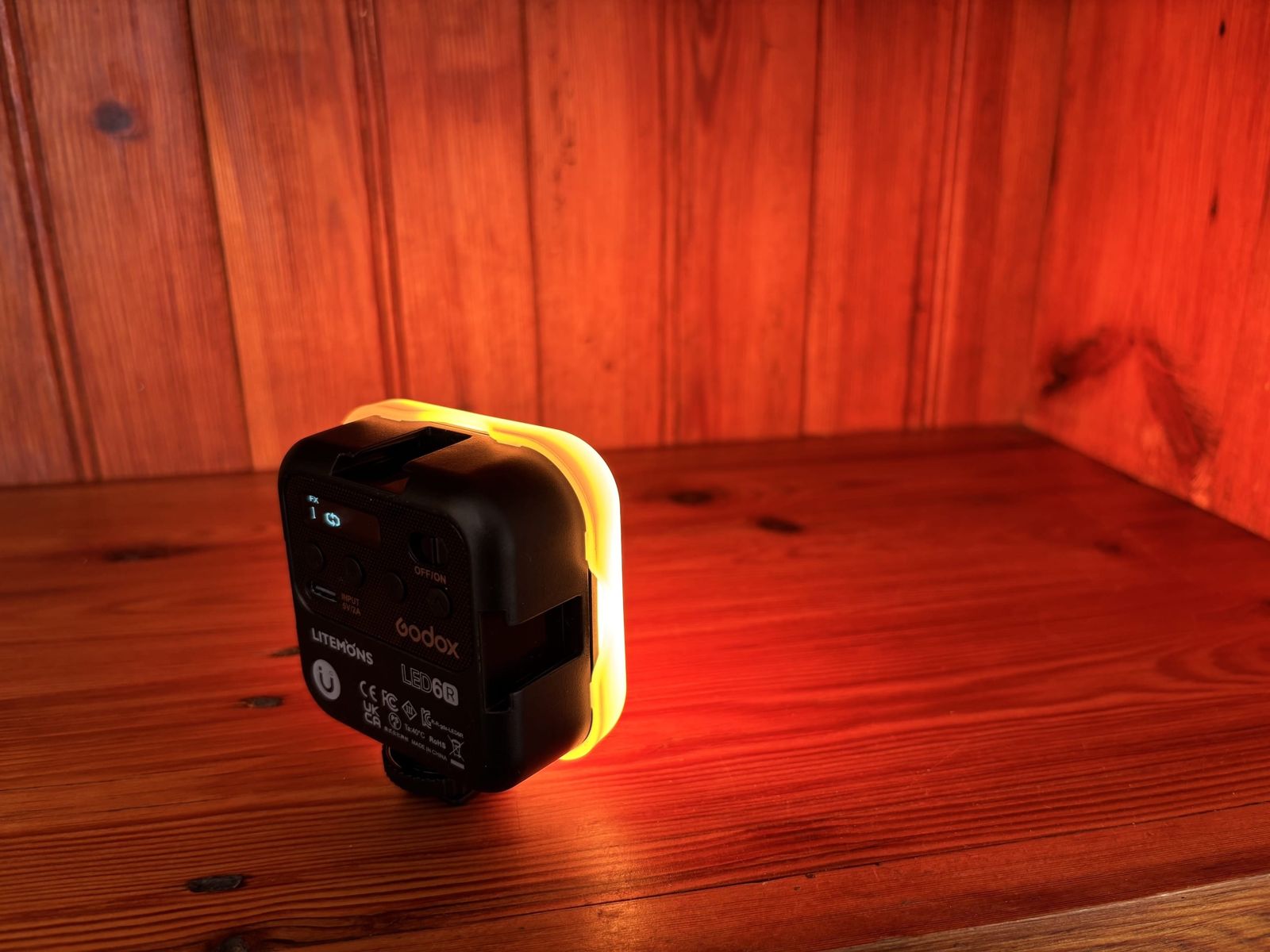
- 2 Godox Litemons LED6R battery lights. Brightness and full colour adjustable, with effects such as police lights and campfire.
Audio
- Rode PodMic on a desk boom arm
- M-Audio M-Track Solo USB audio interface, so the PodMic records straight into your laptop
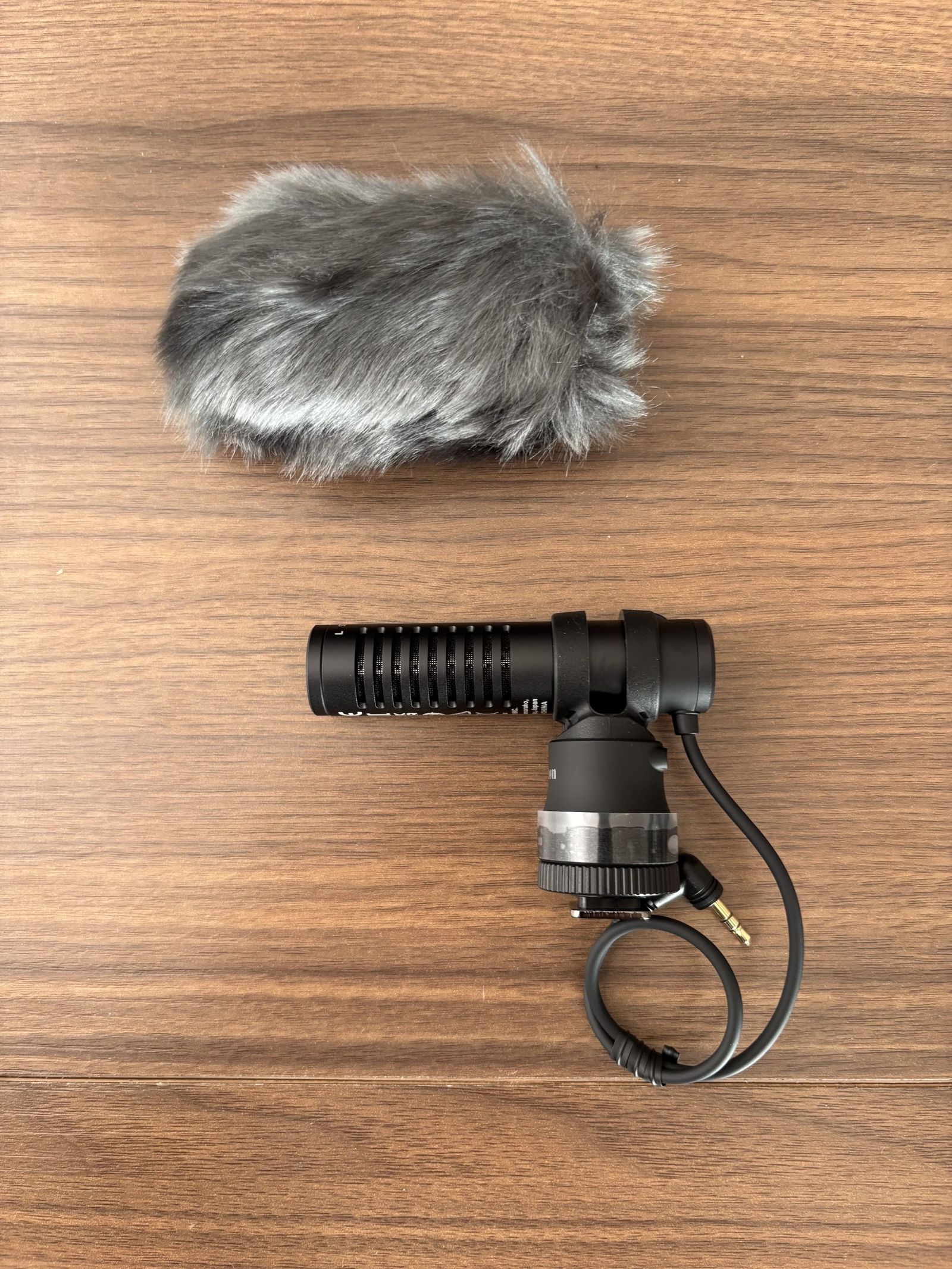
- Canon DM-E100 directional stereo microphone for the camera, with wind cover
Recording and streaming
- USB 3.0 HD video capture device. The camera appears on your laptop as a webcam for streaming, calls or direct recording.
- The camera also records to its own SD card, so you can capture both.
Power
- 1000 W portable power station for the studio equipment and lights during load shedding
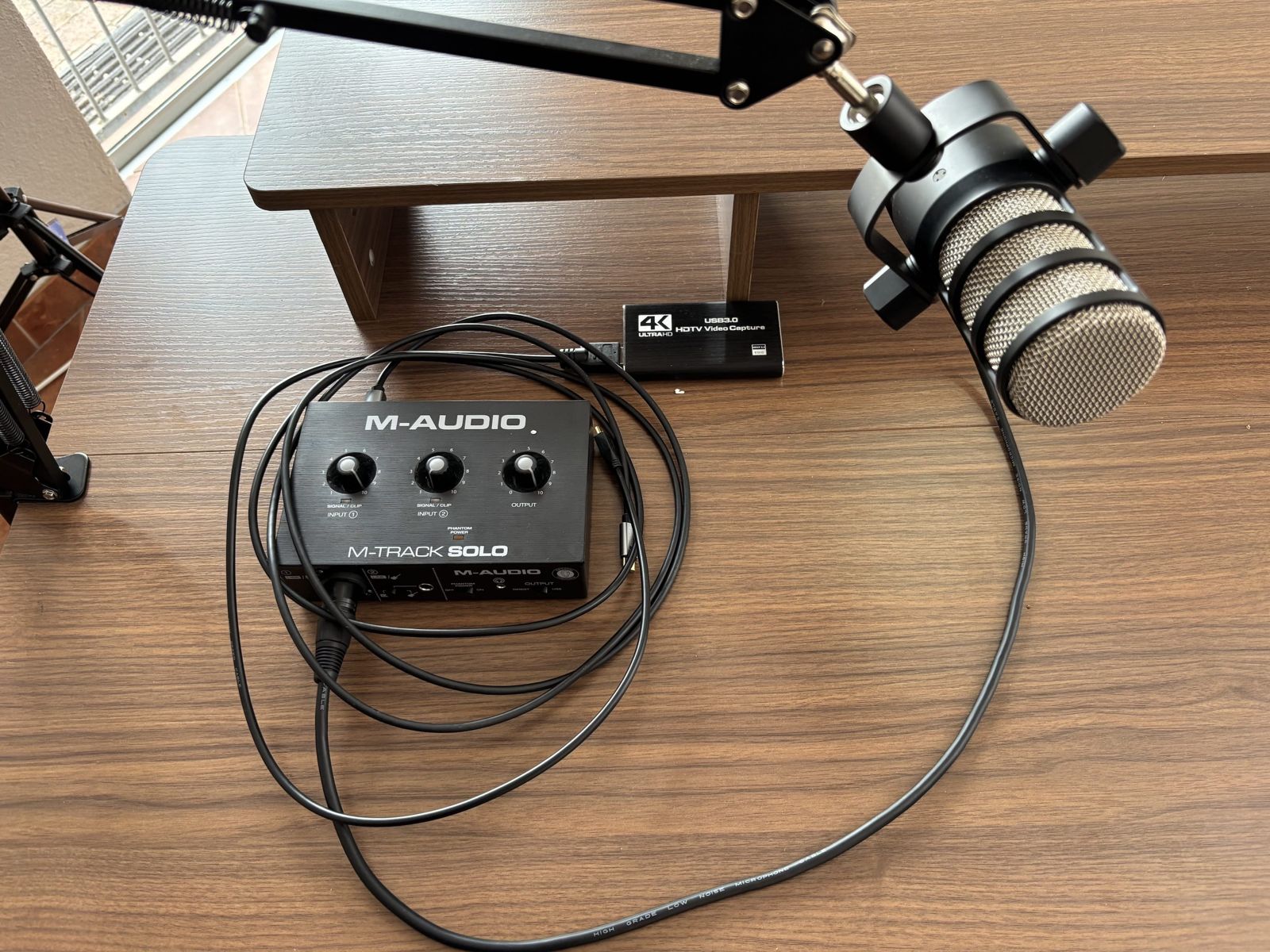
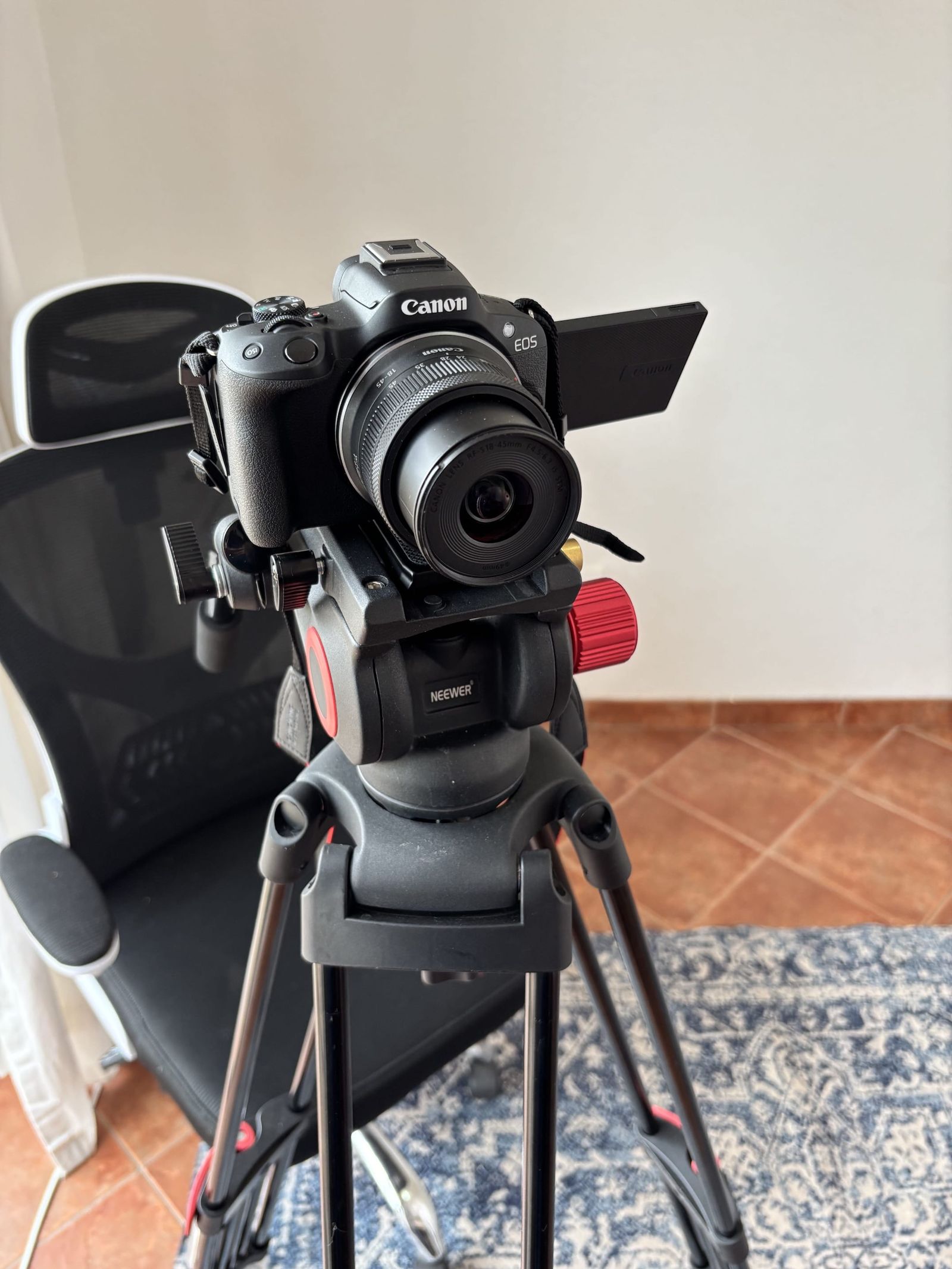
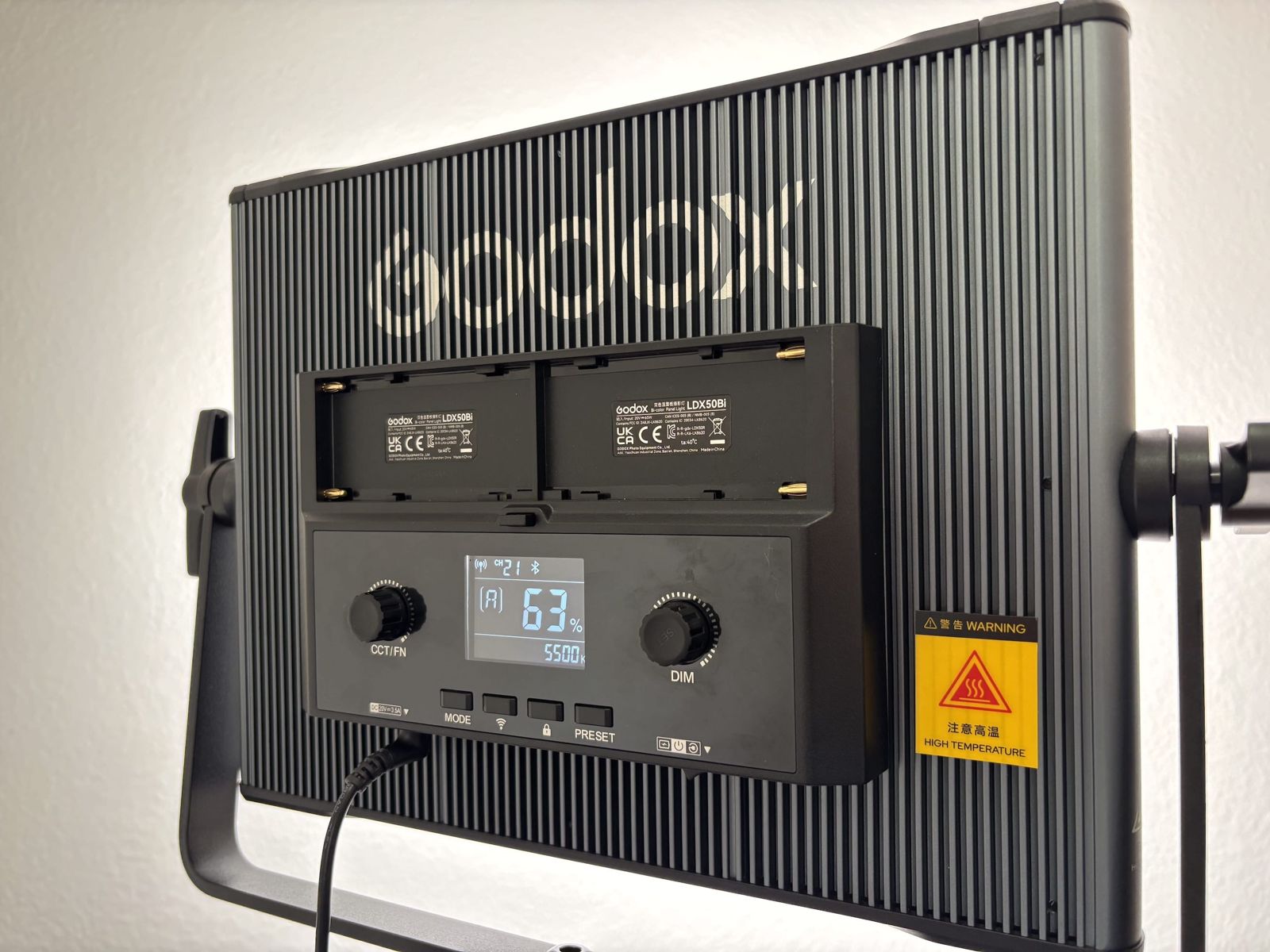
One key light and two small lights that do any colour
The Godox LDX50Bi panel is the key light, with brightness and colour temperature you set on the back. The two Godox Litemons LED6R battery lights sit anywhere, run on their own batteries, and go from clean white to any colour, with effects such as police lights and campfire when a video needs them.
Hourly rates
| 1 hour | R800 |
| 2 hours | R1,500 |
| Half day, 4 hours | R3,000 |
| Full day, 8 hours | R5,600 |
The rate includes the room, every item on the equipment list, the furniture, the setup to your brief, aircon and coffee. Setup and pack-down happen inside your booked time, which is why the room is prepared before you arrive.
Full payment confirms the booking. Cancel 24 hours or more ahead for a full refund, or move the booking once at no charge. The booking terms and house rules have the rest.
How a booking works
- Send an enquiry with the date, start time, length, and what you are recording. Use the form below, or phone or WhatsApp 071 460 8706.
- We confirm the slot and send payment details. Payment confirms the booking. You then get the address, the gate instructions and parking details.
- Send your setup brief: seated or standing, which desk, what you want in the background, camera angle. Anything you do not specify is set up the way it appears in the photos.
- Arrive at your start time. A quick equipment check with you, then the room is yours.
- Copy your files to your laptop or drive before you leave. Leave the room as you found it and hand over on time. Extensions are possible if the next slot is free.
Sun Valley, between Fish Hoek and Noordhoek
Gated parking for at least four cars inside the property. The street address is sent with your confirmation, since the studio is part of a private home.
Approximate drive times: Fish Hoek and Noordhoek 5 minutes, Kommetjie 10 minutes, Simon's Town and Muizenberg 15 minutes, Tokai 20 minutes, Constantia 25 minutes over Ou Kaapse Weg.
- What do I bring?
- A laptop and an SD card. Everything else, from the camera to the coffee, is included, and the room is set up to your brief before you arrive.
- Can two people record?
- Yes, the desk seats two. There is one microphone and one camera, so bring a second mic (a USB mic is simplest) for a two-voice podcast. Team members are welcome off camera.
- What if I need to cancel?
- Cancel 24 hours or more ahead for a full refund, or move the booking once at no charge. Under 24 hours is 50%, and a no-show is the full fee.
More in the full FAQ: soundproofing, photography, bringing your own gear, load shedding, software.
Phone, or open in WhatsApp. We reply to every enquiry, usually the same day.